
Secure Payment
Our Secure Payment
With SSL
Use Visa - MasterCard - American Express - or other Credit or Debit Cards with PayWay
Information about this service.
1. At the end of checkout, payment can be made by credit card via the PayWay network.
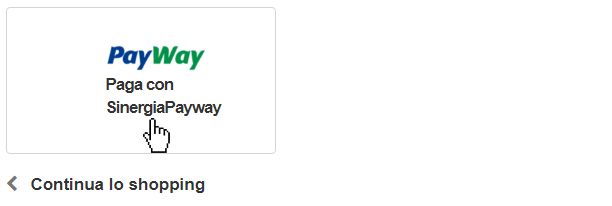
Simply click the PAYWAY button PAY WITH SINERGIAPAYWAY CREDIT CARD
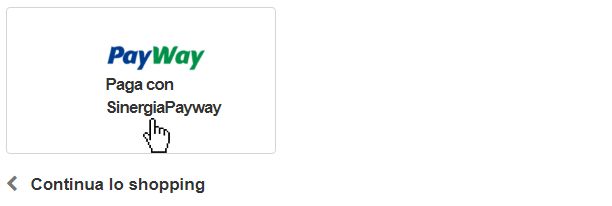
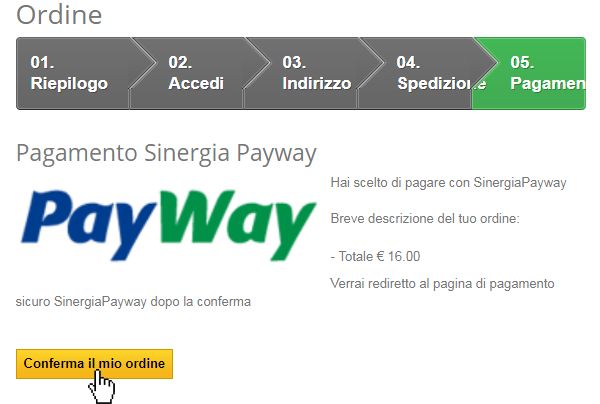
2. The system will redirect you to the secure server, which will display a short summary of your order amount.
3. Click the Confirm My Order button.
4. A page will open asking you to enter your card number, expiration date and CVV (the last 3 digits on the back of your card).
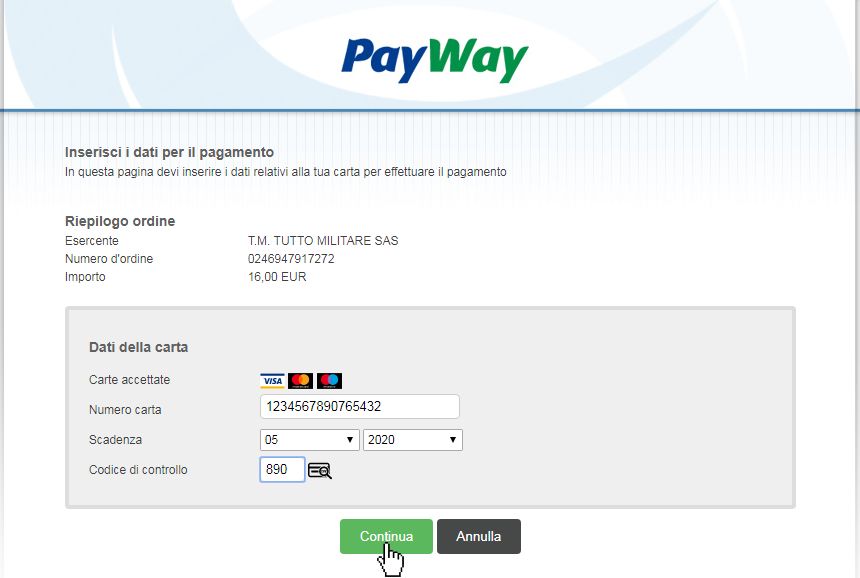
Your data will be processed according to the latest protection standards through the secure PCI DSS platform of PAYWAY.
4. Click the green CONTINUE button.
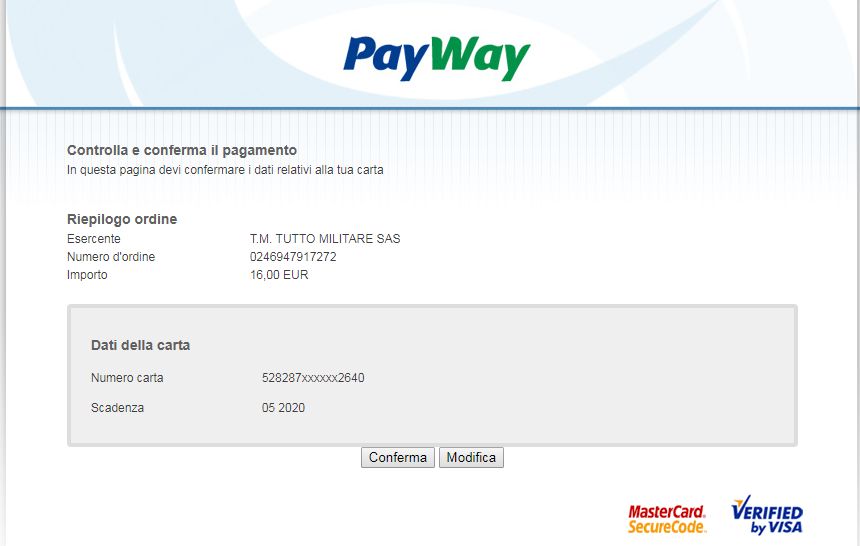
5. The system will summarize your card details and the order amount. By clicking the Confirm button, the transaction will be processed. The Edit button will allow you to change the entered data.
Credit Card Payment via PayPal Without Creating an Account
Information about this service.
To make a Credit Card payment without having a PayPal account, please follow these instructions:
1. At the end of the purchase process with the cart (checkout), click on Pay with your card located under the PayPal logo.
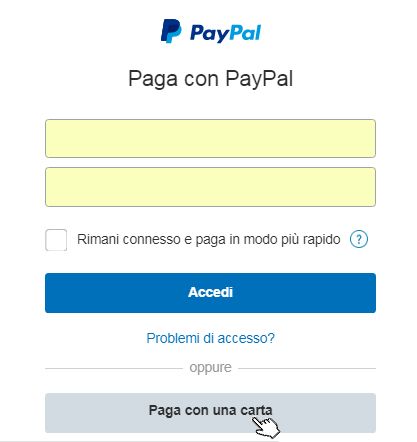
2. The PayPal website, in a secure connection, will open the following window. At the bottom, click the Pay with a Card button.
3. The PayPal website will open, in a secure connection, a new page where you will be asked to select the Card Type (from the drop-down menu) and enter your credit card details.
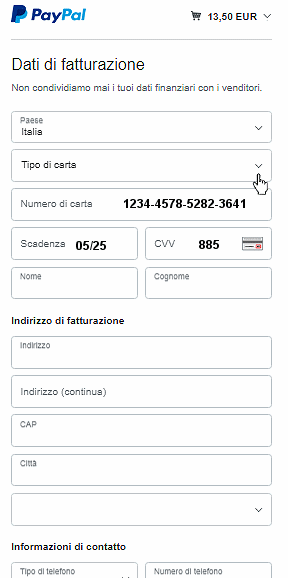
4. After entering your Contact Information, you will be able to complete the payment with your credit card.